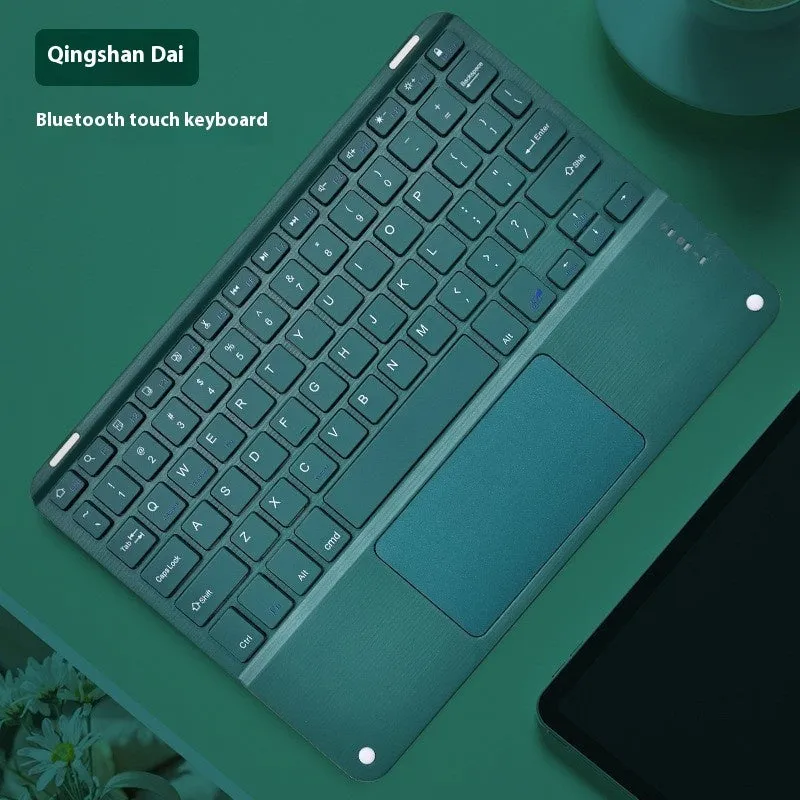
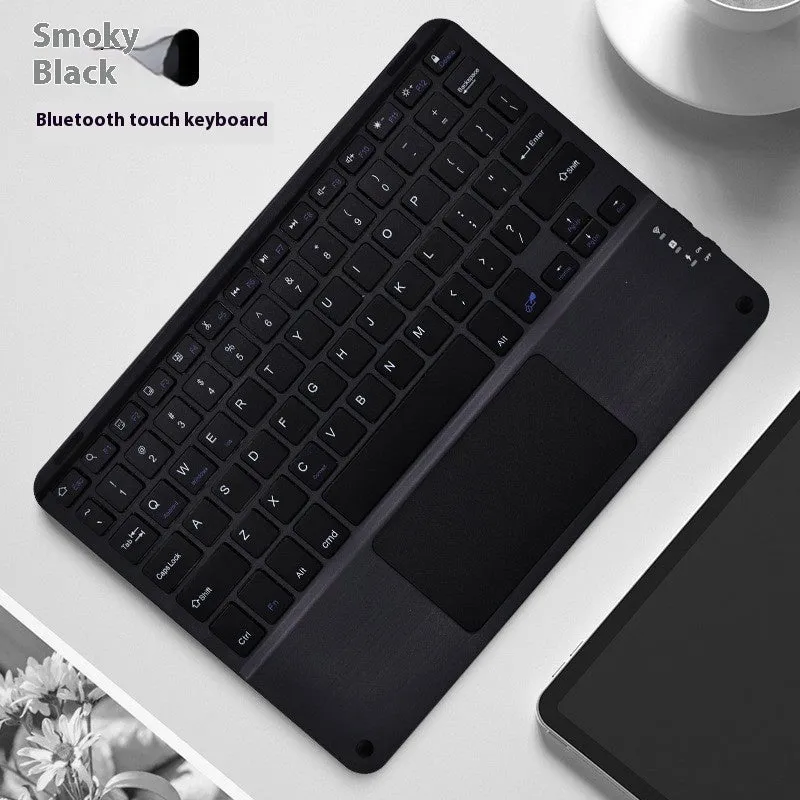
Bluetooth wireless charging keyboard with square hat touch design and full colour touch keycaps in eight colour options including black, white, orange red, green, yellow, purple, cloudy blue, and Qingshan Dai for universal device compatibility


Bluetooth wireless charging keyboard with square hat touch design and full colour touch keycaps in eight colour options including black, white, orange red, green, yellow, purple, cloudy blue, and Qingshan Dai for universal device compatibility
Square Hat Touch Bluetooth Wireless Charging Keyboard with Eight Colour Options

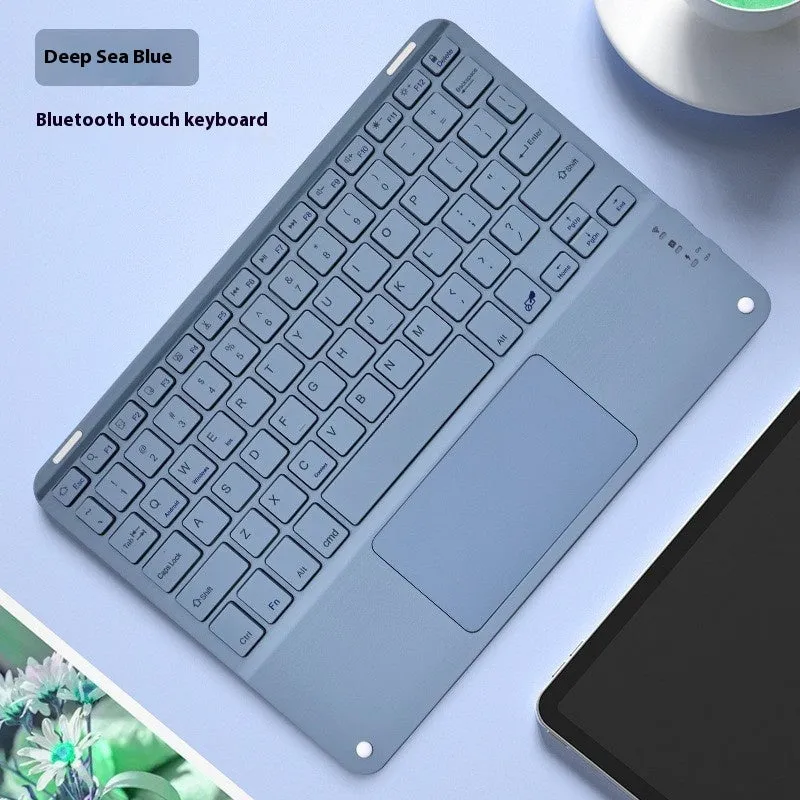
This keyboard combines wireless typing functionality with the convenience of wireless charging, eliminating the need for separate charging pads and cables cluttering your workspace. Its defining square hat touch keycaps provide a unique tactile experience compared to traditional keyboard designs. Available in eight distinct full colour touch finishes—black, white, orange red, green, yellow, purple, cloudy blue, and Qingshan Dai—it offers a personalised look for various setups. The universal Bluetooth compatibility means it can pair with a wide range of tablets, smartphones, and computers, making it a versatile peripheral for both home and on-the-go use.
Features and Construction

The keyboard's design centres on its practical features and material build. The square hat touch keycaps are a primary design element, while the integration of wireless charging adds a layer of functionality beyond standard typing. The construction utilises two main materials to balance weight and durability.
Material and Build
The keyboard uses plastic for its keycaps and external housing, which helps keep the overall weight down for easier portability. An alloy material is incorporated into the build, likely within the internal frame or base, to provide structural stability and prevent flexing during use. This combination aims to deliver a device that feels solid on a desk without being excessively heavy.
Size and Practical Fit
While specific dimensions are not provided, the square hat touch keycap design suggests a keyboard profile that may differ from low-profile or laptop-style keyboards. The inclusion of wireless charging technology is integrated into the body, so the overall footprint must accommodate both the keys and the charging coil. Its universal Bluetooth interface ensures it fits seamlessly into most modern digital setups without requiring specific drivers or software.
Uses and Placement

This keyboard is suited for environments where reducing cable clutter and maximising desk space are priorities. The wireless charging function extends its utility beyond a simple input device, turning it into a charging station for compatible smartphones or earbuds.
Event or Professional Use
For presentations, meetings, or trade show booths, the wireless operation allows for a cleaner, more professional appearance without trailing cables. The ability to charge a device simultaneously means a phone or tablet can remain powered throughout an event. The range of colour options also allows for matching corporate colours or creating visual interest at a display.
Everyday Home Use
At home, it simplifies a living room or bedroom setup where you might use a tablet for media consumption or light browsing. Placing a compatible device on the keyboard to charge removes the hunt for a separate charger. The various colour choices let it blend with home decor or add a splash of colour to a home office desk.
Benefits and Buying Value
The primary value lies in combining two common tech needs—typing and charging—into a single product. This consolidation can reduce the number of accessories you need to purchase and manage, potentially offering space and cost savings over buying separate items.
Reuse and Low Maintenance
As a wireless device, it is designed for repeated use without the wear and tear associated with plugging and unplugging cables. The plastic and alloy construction suggests surfaces that can be easily wiped clean with a dry cloth. The universal compatibility means it should remain useful even if you upgrade your phone, tablet, or computer, as long as they support Bluetooth.
Why Choose This Product
This keyboard is a practical choice if you want to reduce desk cables and have a device that supports wireless charging. The square hat touch keycaps offer a specific typing feel that may be preferable to some users over domed or scissor-switch keys. The eight colour options provide a level of personalisation not always available with standard peripherals, allowing you to select a finish that matches your style or workspace aesthetic.