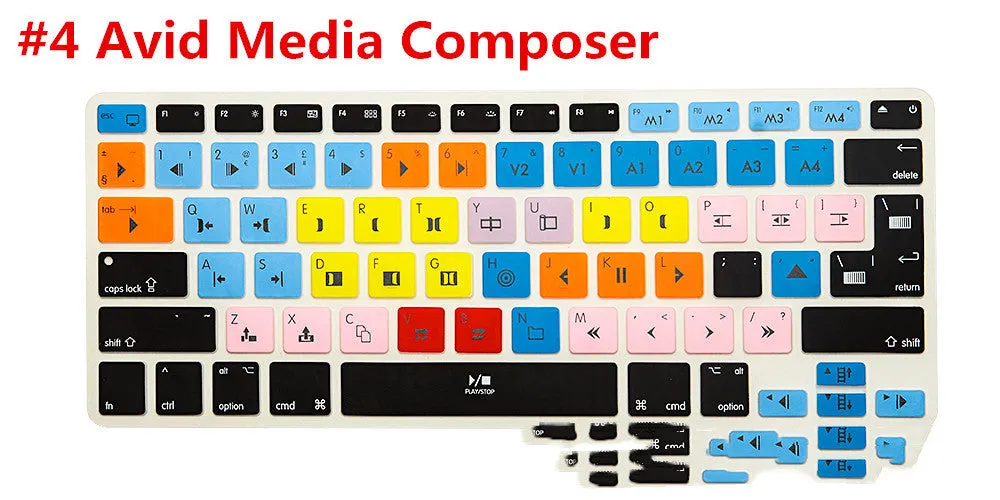
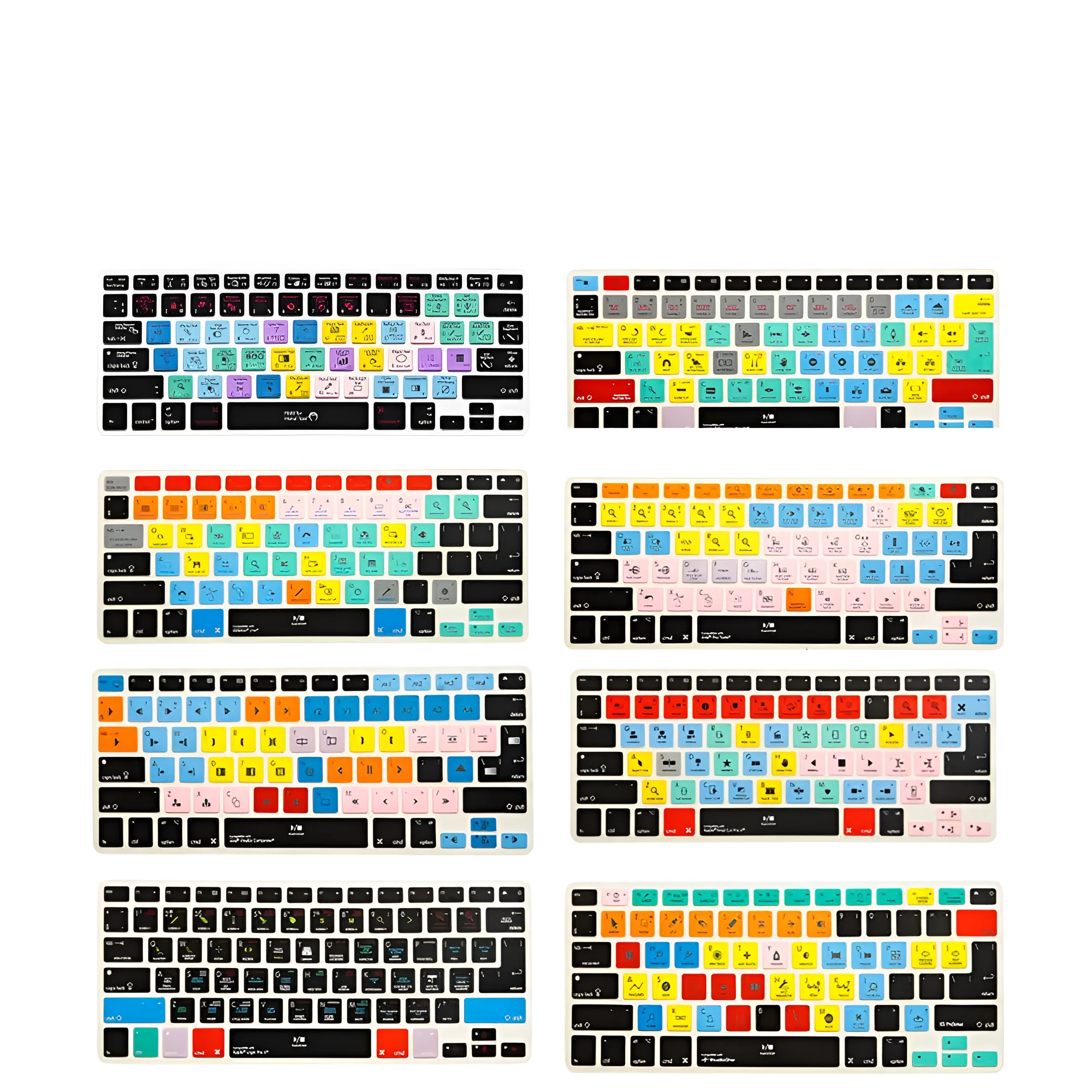
MacBook keyboard protective film shortcut overlay for Ableton Live, Logic Pro, Premiere Pro, Final Cut Pro, Serato Scratch Live, Studio One, Avid Pro Tools, and Media Composer software with 13, 15, or 17-inch size silicone material in various colour codes


MacBook keyboard protective film shortcut overlay for Ableton Live, Logic Pro, Premiere Pro, Final Cut Pro, Serato Scratch Live, Studio One, Avid Pro Tools, and Media Composer software with 13, 15, or 17-inch size silicone material in various colour codes
Silicone MacBook Keyboard Film with Software Shortcuts for Music Production and Video Editing
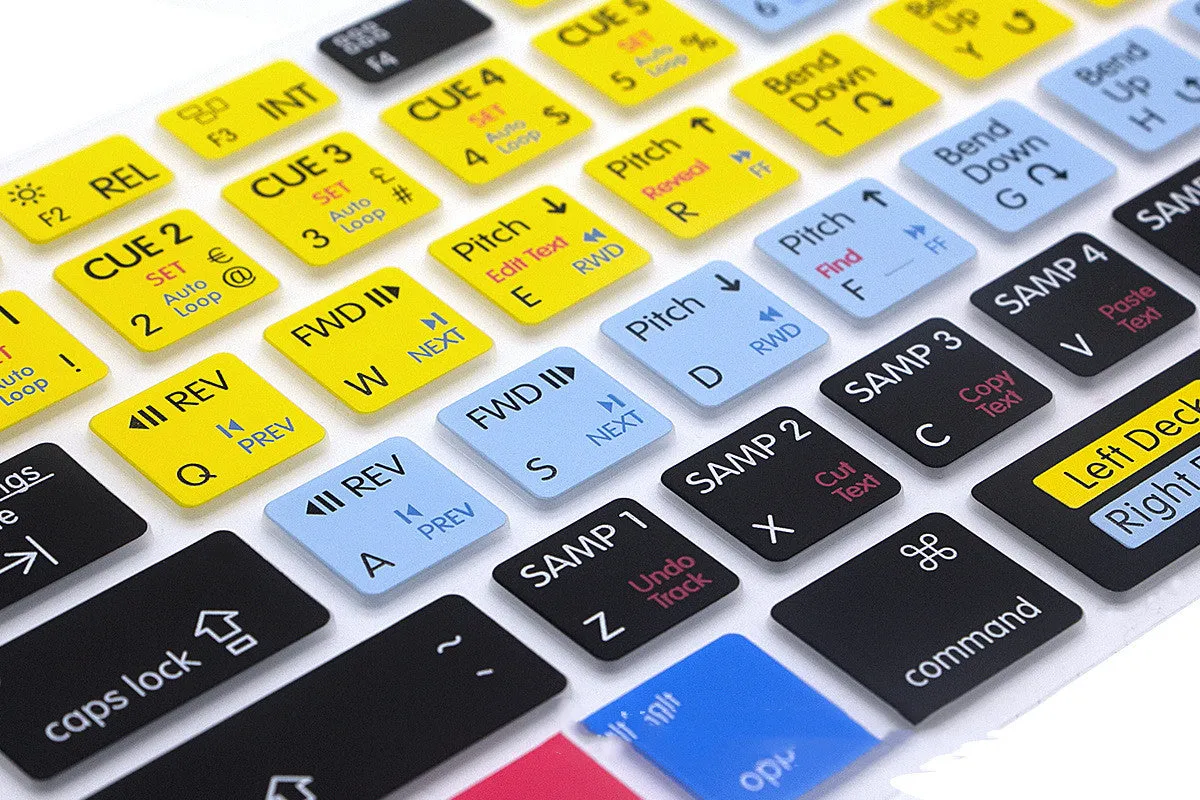
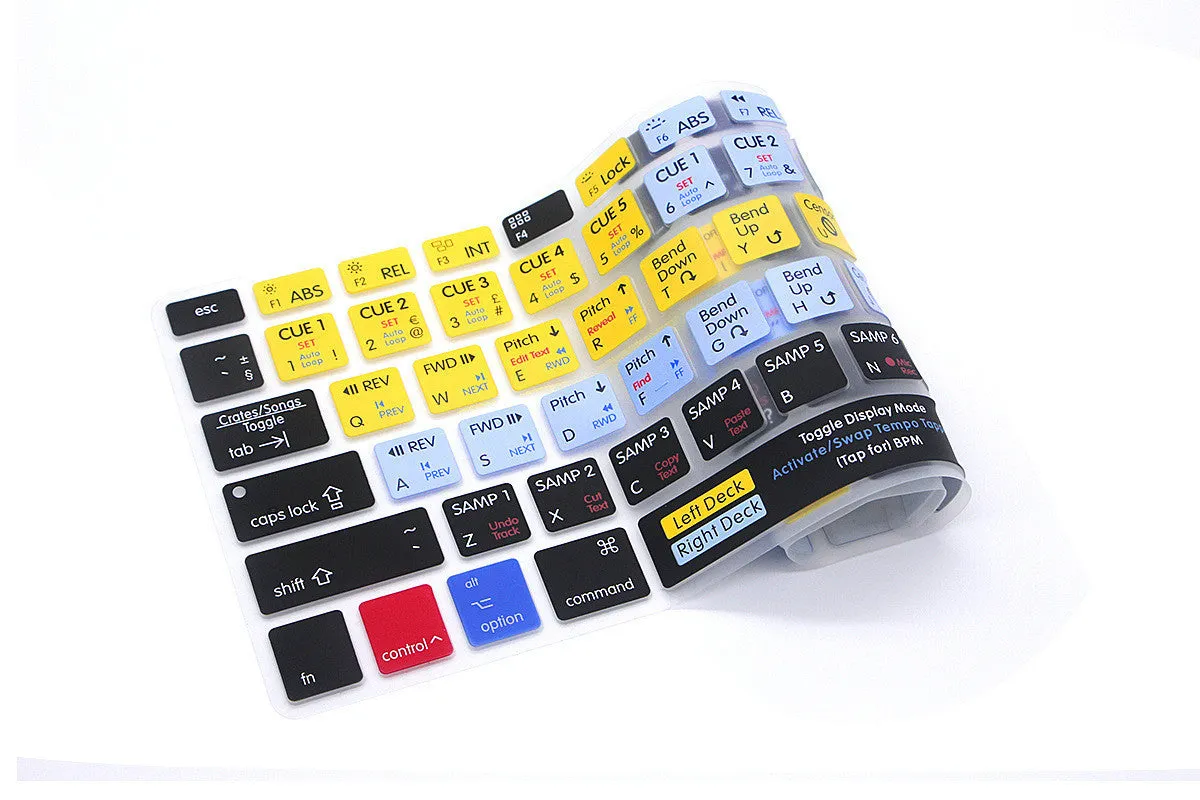
This silicone keyboard overlay provides a dedicated reference layer for essential hotkeys and shortcuts across a suite of professional creative software, directly applicable to MacBook Pro and MacBook Air keyboards. It is designed to aid users of digital audio workstations, video editing suites, and DJ software by placing commonly used commands directly on the keys, potentially reducing the need to search menus or memorise complex key combinations. The film itself is constructed from silicone, offering a thin, flexible barrier that sits atop the original keys. It is available in sizes designated as 13, 15, and 17, corresponding to the screen sizes of compatible MacBook models, and comes in a selection of seven colour variations identified by numerical codes.
Features and Construction
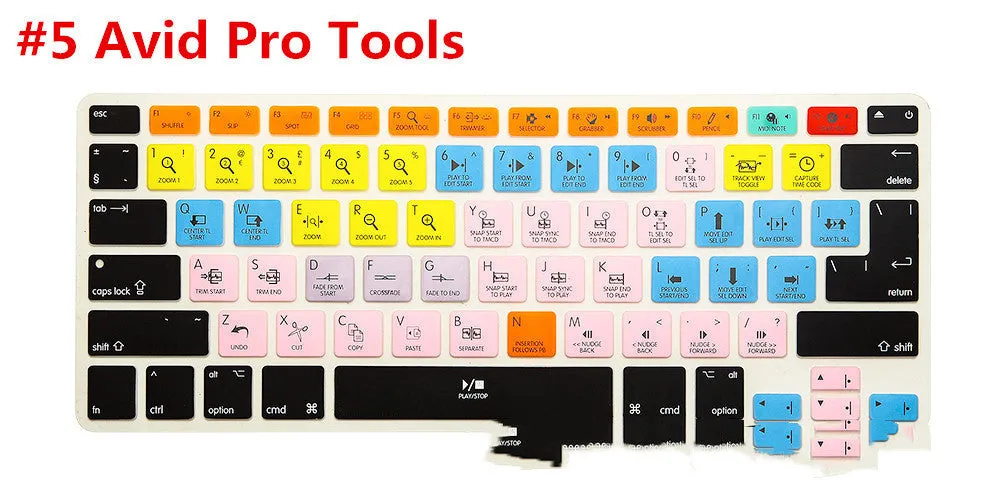
The core function of this product is to map software-specific shortcut keys onto a physical overlay for rapid visual access. Its construction is centred on the silicone material and the printed shortcut information for a defined set of applications.
Material and Build
The film is made from silicone, a material chosen for its flexibility, durability, and ability to lay flat against the contours of a laptop keyboard. This construction allows it to be placed over the keys without interfering significantly with keystrokes while providing a basic degree of protection against dust, light spills, or keycap wear. The source text does not specify thickness or any additional layers, so the product should be considered a single-layer silicone sheet with printed graphics.
Size and Practical Fit
The product is offered in three size variants: 13, 15, and 17. These correspond directly to the keyboard layouts of different MacBook Pro and MacBook Air models with those screen diagonals. It is crucial to select the correct size for a proper fit, as a 13-inch film will not cover a 15-inch keyboard adequately. The film is designed to fit over the entire standard keyboard area, including the function keys, but the source does not provide exact millimetre measurements for each size, so fit should be assumed based on the model designation.
Uses and Placement
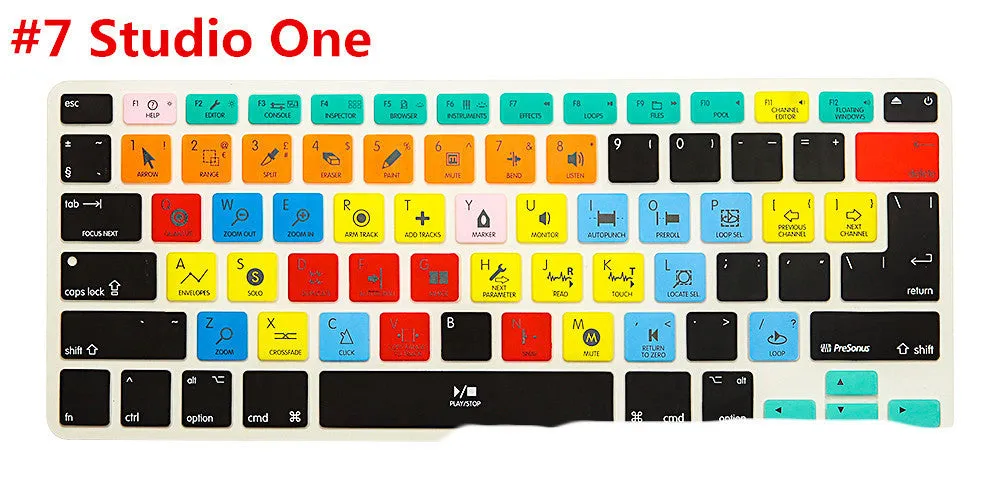
This overlay is targeted at users who frequently switch between multiple complex software applications or who are learning the shortcut structures of their professional tools. Its placement is on the laptop keyboard itself, transforming it into an application-specific command centre.
Event or Professional Use
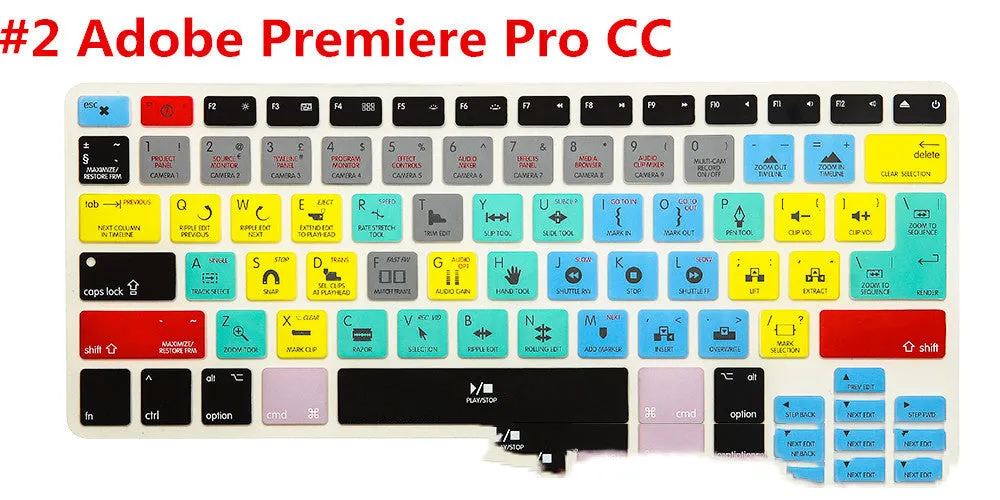
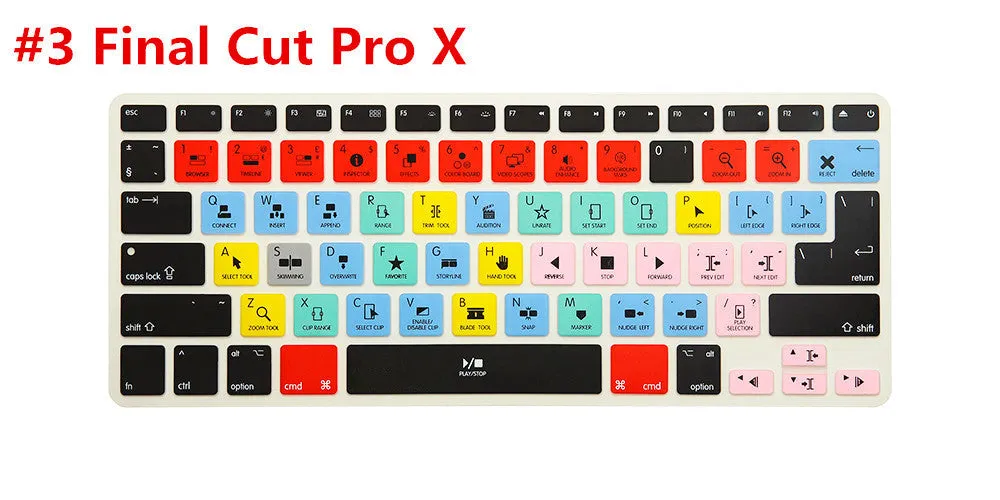
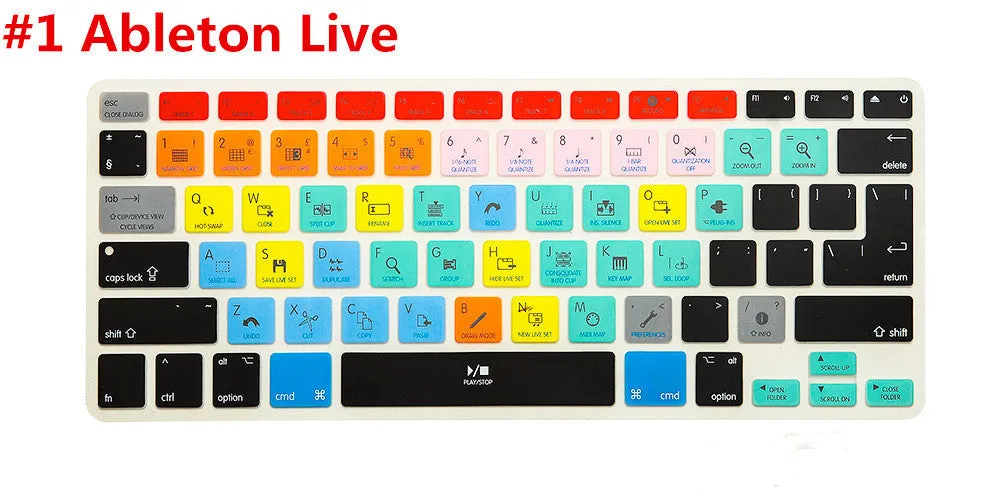
For DJs, music producers, audio engineers, and video editors working in live or studio environments, quick access to shortcuts can streamline workflows. The overlay supports software central to these fields: Serato Scratch LIVE for DJing; Ableton Live, Logic Pro X, Avid Pro Tools, and Studio One for music production and audio editing; and Adobe Premiere Pro CC, Apple Final Cut Pro X, and Avid Media Composer for video editing. Having these shortcuts physically labelled can reduce errors and speed up editing, mixing, or playback commands during sessions.
Everyday Home Use
For enthusiasts, students, or freelancers working from home, the overlay serves as a learning aid and productivity tool. It can help familiarise users with the shortcut ecosystem of a new software purchase or provide a reminder for less frequently used commands. The silicone film also offers a slight protective benefit for the MacBook's keyboard during everyday use, guarding against dust accumulation and minor abrasions from fingernails or jewellery.
Benefits and Buying Value
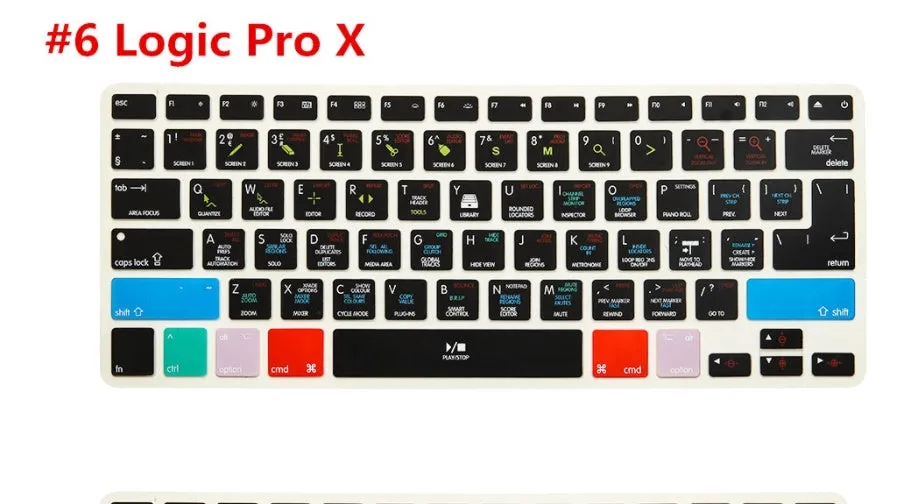
The value proposition centres on functional utility for specific user groups and the practical aspects of the silicone build. It addresses a niche need for tactile shortcut reference.
Reuse and Low Maintenance
As a non-adhesive silicone overlay, the film is designed to be removable and reusable. It can be taken off for cleaning, stored when not needed, or swapped if the user acquires a different coloured variant. Maintenance is minimal, typically requiring only occasional wiping with a damp cloth to remove fingerprints or dust. Its simplicity means there are no electronic components to fail or complex care instructions to follow.
Why Choose This Product
This product is distinct in its specific focus on a curated set of eight professional creative applications, bundling their shortcuts into a single overlay. The choice of three MacBook size fits ensures compatibility with a range of Apple laptops. The availability of multiple colour codes (1 through 7) allows for personalisation or colour-coding for different software sets, though the exact hue of each code is not detailed. The mention of compatibility with non-Apple products and iPhones suggests potential versatility, though the primary design and sizing are for MacBook keyboards.